v0.2.1 · macOS 13 or later · Apple silicon and Intel · Free, no account
ShotShot in one minute
1920 × 1080 · 1:01
1What ShotShot does differently
Every screenshot stays independently movable.
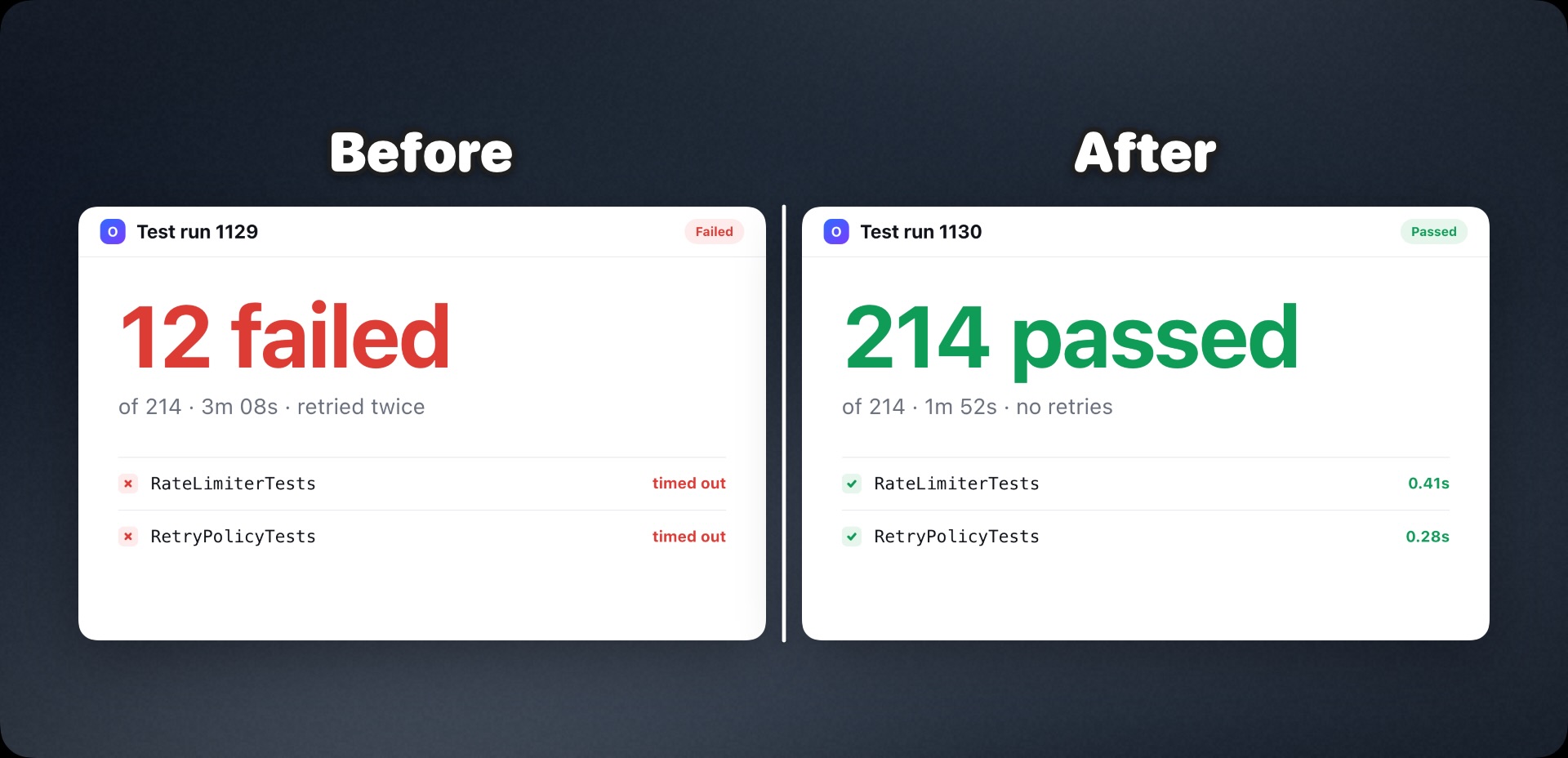
Choose ShotShot for a canvas where each screenshot stays independently
movable. Drag images into any arrangement, leave room for arrows and text, then move one
image again without rebuilding the composition. Use a tidy layout only when you want one.
Drag any screenshot. Arrow keys work too.
room for a note
12
Stitched screenshots
Images are fused into a fixed row or column
No gap to leave for a label, no overlap
Moving one image means rebuilding the strip
A ShotShot canvas
Each screenshot is its own object: move, resize, rotate, stack
Leave space for arrows and text, or overlap on purpose
Grid, row, column and before / after are optional starting points
Save a .shotshot file and move things again next week
Add to this canvas
The next capture lands on the composition you already have.
The viewfinder button in the toolbar drops its screenshot onto the canvas you are working
on, so two states of a bug end up side by side without a trip through another editor.
The capture keys still start a fresh canvas, and ⌘Z brings the last one back.
Liquid glass
Annotations that bend the picture underneath.
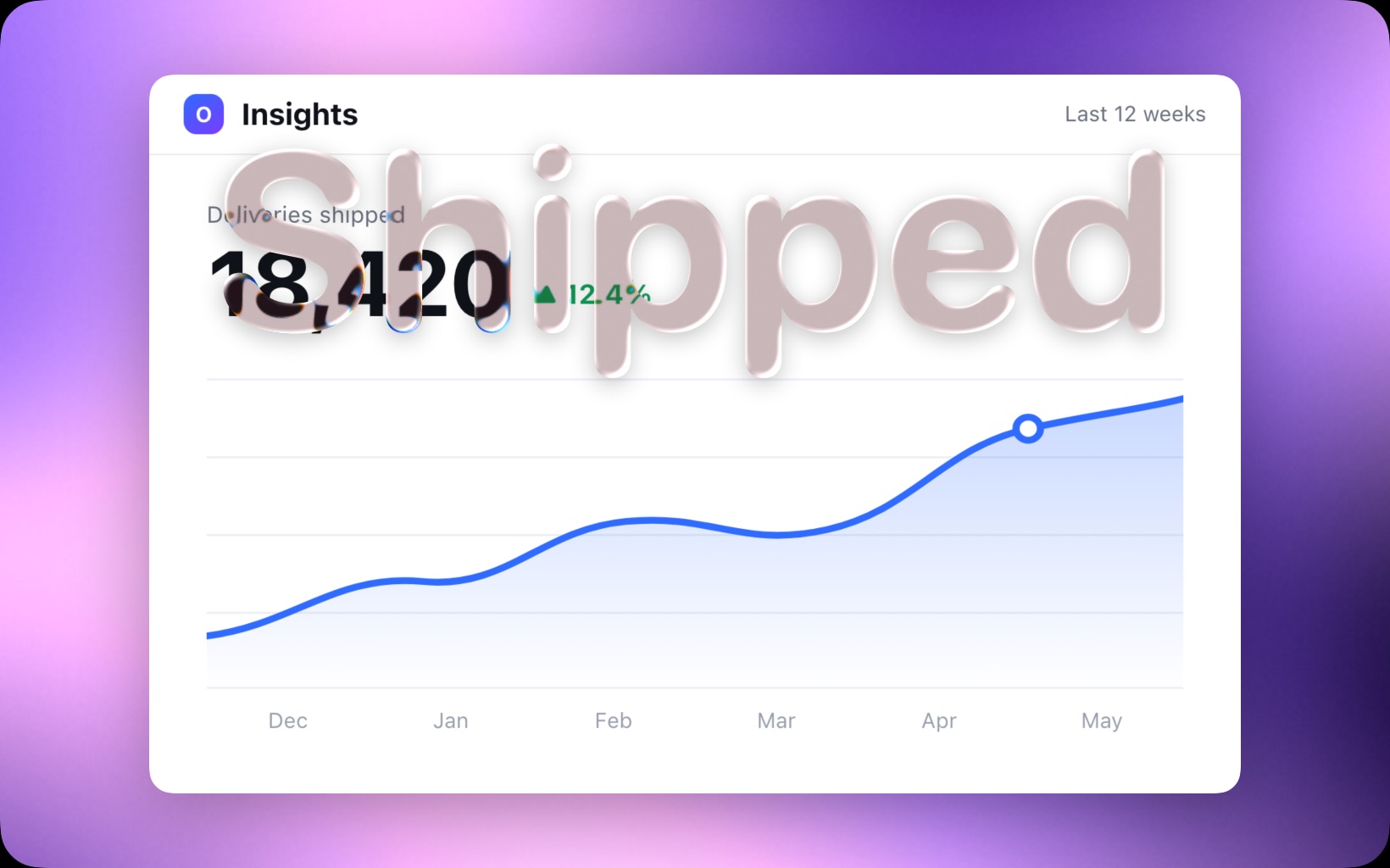
Arrows, lines, rectangles, ellipses, text and step markers can be drawn as solid or as
liquid glass. A Metal shader refracts the artwork through the shape’s own edges, and
the export keeps it.
Scriptable
The app is its own command line.
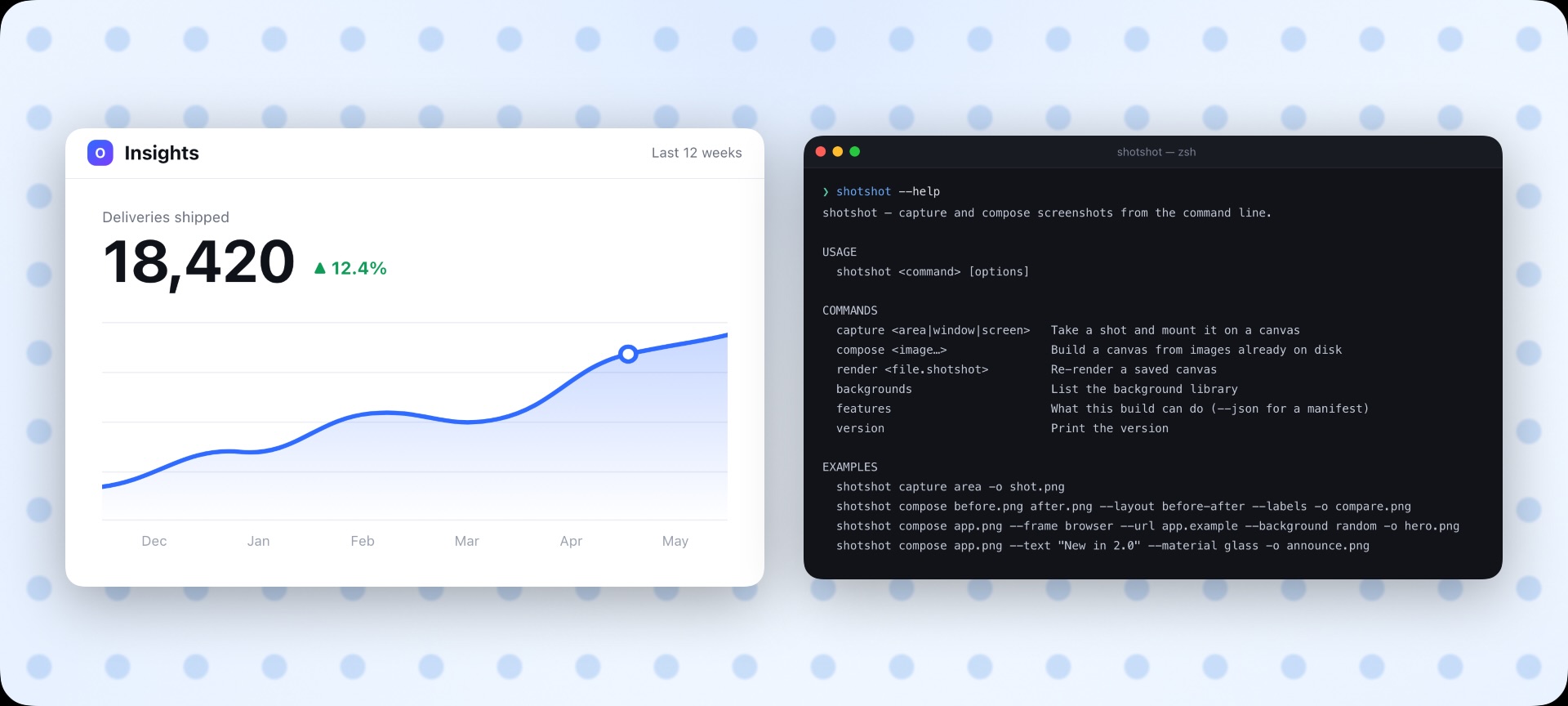
shotshot compose takes the same backgrounds, frames and layouts as the
window and writes a finished picture, so release shots and docs figures are rebuilt by a
script instead of remade by hand. This page’s pictures are drawn that way.
Auto-redactCovers every email, token, IP and phone number Vision finds
Extract textOCR on any screenshot, copied straight out
Remove backgroundLift the subject out, macOS 14+
Upscale 4×Apple super-resolution, macOS 26+
On your Mac
The clever parts never upload a pixel.
Redaction, text recognition, background removal and upscaling run on-device through
Apple’s Vision and VideoToolbox. The app reaches the network to look for updates,
and for nothing else.
2Features
Everything between the shot and the ship.
Capture
Area ⇧⌘2, window ⇧⌘4 or the whole screen ⇧⌘3, from the menu bar,
a global key, or shotshot capture. Every shot is copied to the clipboard on the
way past and filed under Recent Captures.
Annotate
Ten tools — arrow, line, rectangle, ellipse, highlight, text, step, blur, emoji and
magnifier. Three arrow styles, five heads, four typefaces, 48 emoji. Pin a tool
(P) so annotations chain.
Combine screenshots
Put several shots on one canvas and move each one freely, or let them arrange
themselves — grid, row, column or before / after — with tight, normal or roomy
gaps. Tidy ⇧⌘T and rebalance ⇧⌘R even the stack.
Frames
Wrap a shot in a macOS window, a browser window, an iPhone or a MacBook, drawn so it
exports at full resolution.
Beautiful backgrounds
71 mesh presets from ColorFlow, a solid colour, a blurred copy of your screenshot, or a
picture. Six canvas sizes, from Landscape to Story and Twitter.
Liquid glass
Six annotation types in solid or glass. A Metal shader bends the artwork underneath
through the shape’s own edges.
Redact
Blur, pixelate or solid block. Auto-redact reads the picture with Vision and covers every
email address, token, IP address and phone number it finds.
Upscale
4× Apple super-resolution on the selected screenshot, on-device. macOS 26 or later,
source up to 1920 × 1920. Shadows and transparent edges stay intact.
Edit the canvas
Crop non-destructively (C), lock, duplicate, nudge by 1 or 10 pt, rotate by 1°
or 15°. Drag an object past an edge and the canvas grows instead of clipping it. A recovery
copy is written after every edit.
Export and share
PNG, JPEG, WebP or PDF up to 4×, Quick Export ⌥⌘S, copy the canvas, or copy as
Markdown with alt text read off the shots. Drag the finished canvas straight into Slack.
Yes. Every feature works from the first launch, with no account to make,
no key to enter and no watermark on the export. Use it on as many Macs as you
like, for personal or commercial work.
How is this different from stitching screenshots together?
A stitched image is one picture: the shots are fused into a row or column.
In ShotShot each screenshot stays a separate object on the canvas, so you can leave gaps for
labels, overlap images, rotate one, and move it again later. The tidy layouts are there when you
want them, and never lock anything in place.
I paid for ShotShot. What changes?
Thank you for backing it early. Choose ShotShot › Check for
Updates…, or download it again from this page, and the new version runs
without your key on every Mac you own.
What do I need to run it?
macOS 13 or later. The download is a universal binary, so it runs
natively on both Apple silicon and Intel Macs.
Is there a command line?
Yes, and it is the same program. Run the app with a verb —
shotshot compose, shotshot capture,
shotshot render — and it composes a canvas and exits without
opening a window; run it with nothing and it is the app. It takes the same
backgrounds, frames, layouts and materials, so release shots and documentation
figures can be rebuilt by a script.
Do my screenshots go anywhere?
No. Editing and exporting happen on your Mac, and auto-redact reads the
picture on-device with Apple's Vision framework. The app reaches the
network to look for updates, and for nothing else.
More apps by the same maker
If ShotShot helps, try my other apps.
ShotShot is free. I build a few other small, native Mac apps with the same
care, and if this one earns its place on your Mac, one of those is the nicest way to say
thanks.