ShotShot vs CleanShot X
Capture, recording, and cloud sharing
Mac screenshot comparisons
Drag screenshots anywhere. Move each one again as your explanation changes. Compare 24 alternatives for capture and editing on a shared canvas.
ShotShot brings native Mac capture, freely arranged images, arrows, liquid glass text, and local image tools into one editor. Start with the app you already use.
Capture, recording, and cloud sharing
Pixel inspection and lightweight capture
Detailed visual guides and recordings
Automatic screenshot styling
Floating image references
Capture and upload workflows
Simple selection capture and sharing
Open-source capture and annotation
Cross-platform annotation and customization
Built-in capture with no extra app
Built-in image markup
Familiar arrows and simple markup
Capture, video editing, and organization
Sharing through your own storage
Screenshot links for shared work
Capture, annotation, and hosted links
Floating captures and a shot library
Capture organization and drag sharing
Basic capture for Greenshot users
Browser-based screenshot mockups
Pinning, OCR, and long captures
Capture, scrolling, recording, and OCR
Menu-bar capture with keyboard shortcuts
Open-source native capture and recording
A tool can combine several screenshots into a row or column without providing independent image placement. ShotShot keeps each image movable: drag it anywhere, overlap another image, leave space for a label, or change the arrangement later.
CleanShot X, Shottr, and Snagit document ways to combine images. Each comparison distinguishes those documented features from verified freedom to rearrange every image. Try adding three screenshots, moving each one independently, adding arrows and text, then changing the arrangement again.
In ShotShot, each screenshot stays a separate object. Place images wherever you need them, leave gaps for labels, overlap them, and drag them again as you edit. Your composition is not locked into a side-by-side row or a top-to-bottom strip.
.shotshot document to change the images and annotations later.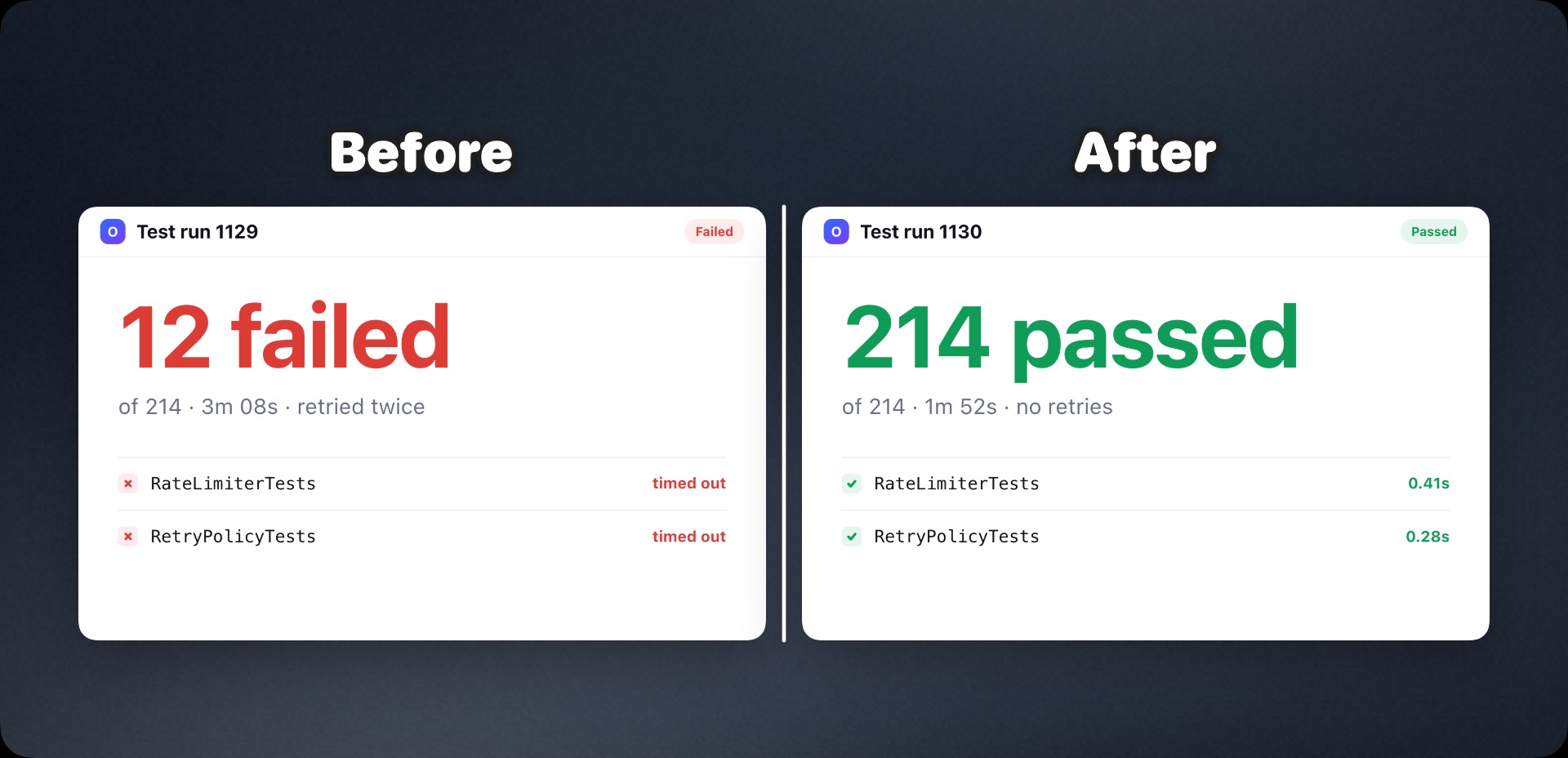
ShotShot runs natively on Apple silicon and Intel Macs, on macOS 13 or later. Capture, arrange, annotate, and export in one app for a fast everyday workflow.
Give text, arrows, lines, rectangles, ellipses, and step markers a liquid glass material. Standard solid annotations are available too.
Apple Vision isolates a foreground subject locally. Requires macOS 14 or later; an image needs a detectable subject. This uses Apple’s on-device Vision framework, with no image upload required.
Read text from images with Apple Vision OCR and copy it into your work. Recognition runs on your Mac.
Apple’s on-device super-resolution enlarges the selected image. Requires macOS 26 or later, supported hardware, and a supported source no larger than 1920 × 1920 pixels.
Capture, editing, OCR, background removal, upscaling, and export run locally. Licence checks and update checks use the network. See the privacy policy.
ShotShot focuses on still-image composition. It does not offer screen recording, scrolling capture, or hosted share links. “Fast” describes the intended workflow; we have not run comparative speed benchmarks.